Doodle
Perfect for getting started.
$6per month
$9.99/mo · Save 40% · $48/yr
Billed $72/year
- 30 mins total video length
- Up to 3 min each
- 720p export
- Download your video
- No watermark
- English only
- Not included: No brand kit
- Not included: No revisions
NewVoice-over in 6+ languages
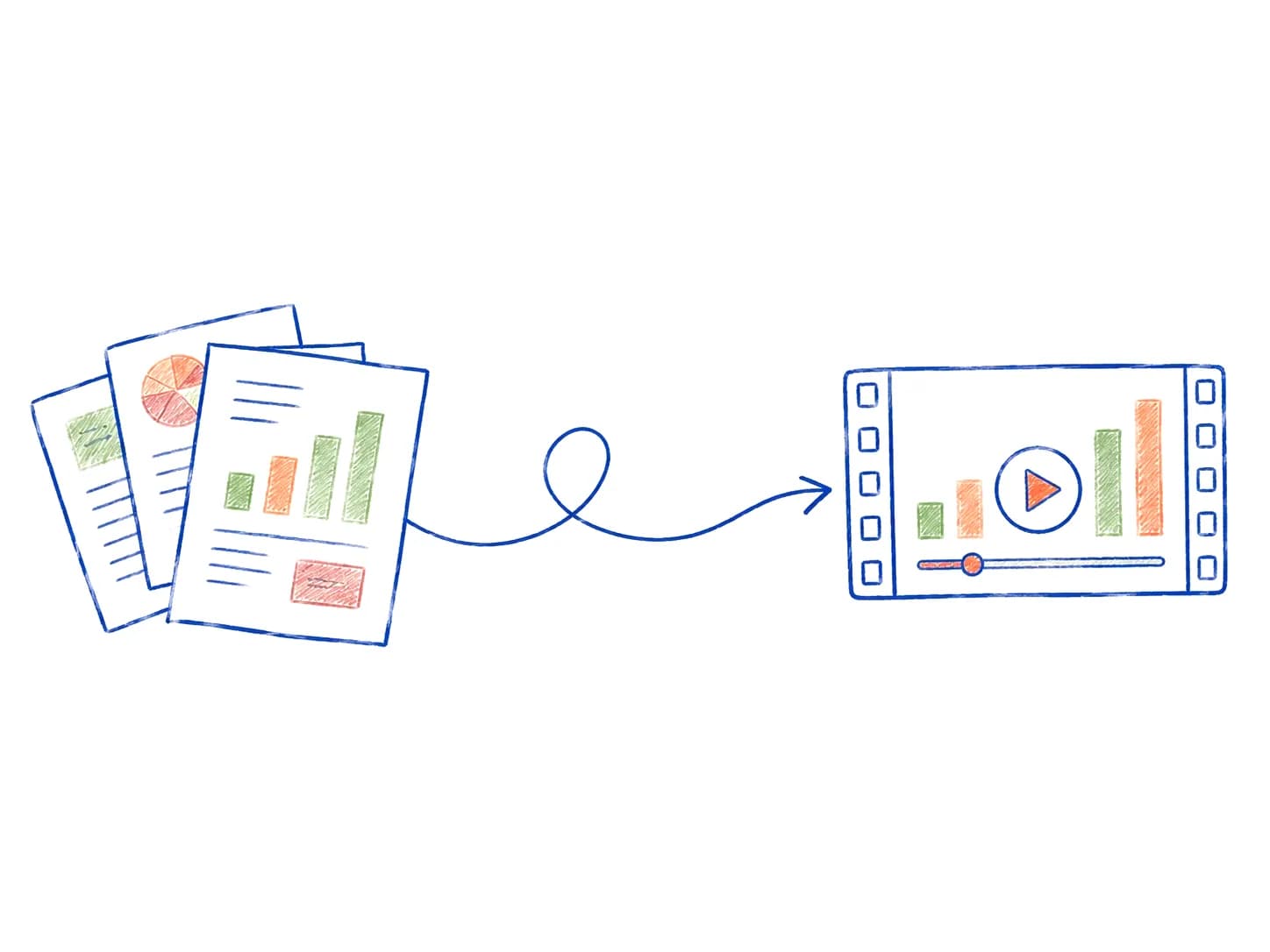
Doc2Doodle is an AI explainer video maker. Drop in a PDF, Docx, Notion page or script, or just describe what you need. The AI storyboards and narrates it into a finished video in the style you choose: whiteboard, motion graphics, product walkthrough or animated data.
A prompt · PDF · DOCX · PPTX · Notion · Google Docs
Four styles
Every video starts from the same storyboard. The style decides how each scene is drawn, animated and composed, so the same document can become a sketch, a motion piece, a product tour or a chart story.
One prompt, any style
Describe the video you want, attach a document if you have one, and pick a style. Every style exports at up to 4K.
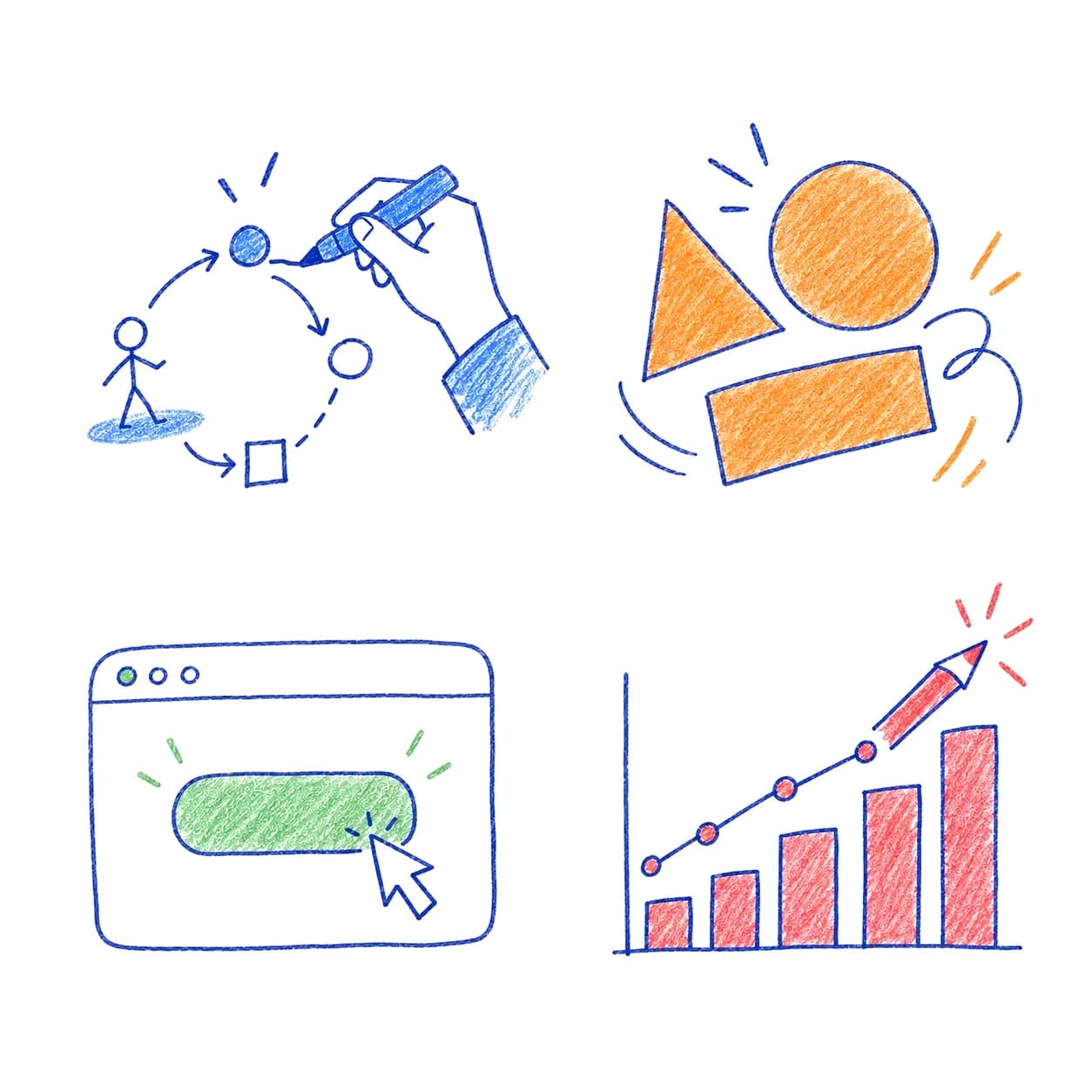
Hand-drawn diagrams, arrows and figures appear as the narration unfolds: the whiteboard explainer video that keeps people watching to see the sketch finish.
Best for · concepts, training, course content
Typographic scenes, shapes and transitions timed to the voice-over, for launches and announcements that need a cleaner, more corporate look.
Best for · feature launches, changelogs, social clips
Screens, cursors and callouts composed from your docs, so a getting-started guide becomes a guided tour of the product.
Best for · onboarding, help center, sales enablement
Numbers from reports and case studies become animated bars, lines and counters that land harder than a table ever will.
Best for · case studies, reports, research papers
How AI explainer videos work
01 · Upload
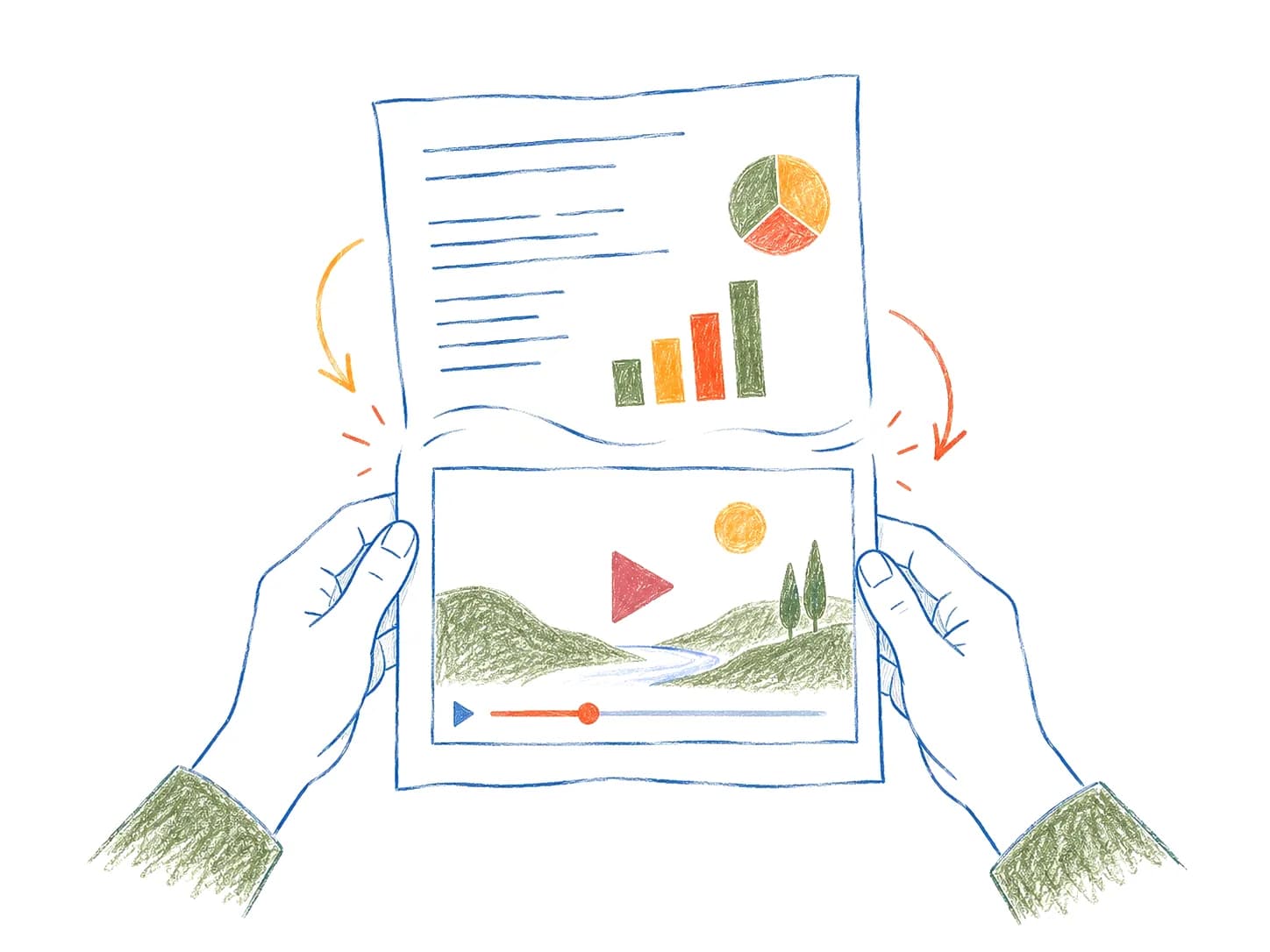
PDF, DOCX, TXT, Google Doc, Notion page or PPT. A rough bullet list works too, and so does a plain prompt.
02 · Storyboard
The AI reads and summarizes the document, then storyboards the key moments into scenes: diagrams, comparisons, callouts and narration.
03 · Export
Narrated and animated in the style you choose, from whiteboard sketches to motion graphics. Edit anything, then export to MP4.
Explainer video features
The AI reads your document and decides which moments deserve a diagram, a comparison or a single line on screen.
Choose from 40+ natural AI voices or upload your own recording. No talking-head avatar required.
Swap a scene, rewrite a line of script or reorder sections by editing text. There is no timeline to manage.
Ship the same video in Spanish, French, Japanese, Hindi and more, with the voice-over regenerated for each language.
From prompt to a finished export in minutes. Review the draft, change anything and generate again as often as you need.
Add your logo, colors and fonts so every video matches your brand in all four styles.
Sample AI explainer video
Source
Q3 Product Brief.pdf
4 pages · 1,200 words
Output · 1:30 · 1080p
1080p · Voice-over · Captions · Background music · 6+ languages
Explainer video pricing
Perfect for getting started.
$6per month
$9.99/mo · Save 40% · $48/yr
Billed $72/year
For creators shipping content weekly.
$15per month
$19.99/mo · Save 25% · $60/yr
Billed $180/year
For teams making videos at scale.
$25per month
$29.99/mo · Save 17% · $60/yr
Billed $300/year
Educators and students get 50% off Pro. Email us to claim it.
Who it's for
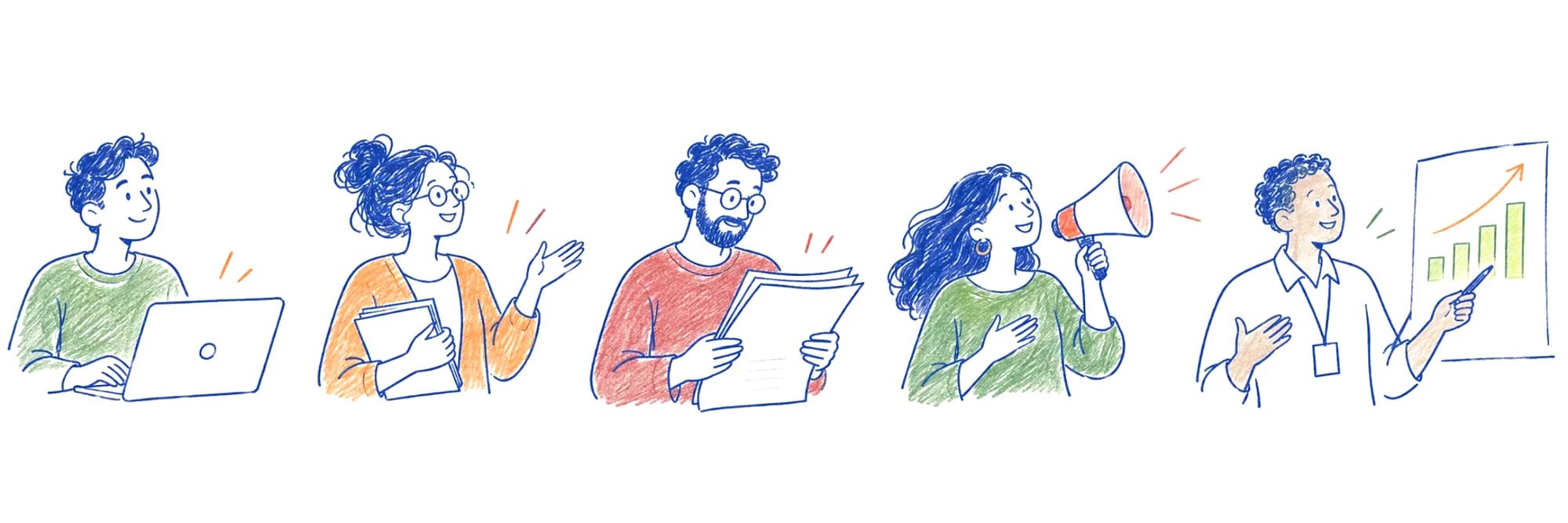
Feature docs, changelogs and PRDs become launch and onboarding videos.
SaaS explainer videosLesson notes become videos students finish, in whichever style fits the subject.
A 30-page paper becomes a three-minute narrated summary.
PDF to videoCase studies and whitepapers get a format people share.
Whiteboard explainer videosSOPs and policy docs become walkthroughs people watch once and remember.
AI explainer video FAQ
An AI explainer video is a short video generated by artificial intelligence that breaks a product, process, or idea into simple visuals and narration. Doc2Doodle makes AI explainer videos in whiteboard, motion-graphics, product-walkthrough and data-animation styles: it reads your document, storyboards the key points, composes the scenes, and adds a voice-over. No editing required.
Machine learning models read and summarize your source document, pick the moments that deserve a diagram or metaphor, and map them into a scene-by-scene storyboard. Then the AI composes each scene, times the animation to a generated voice-over, and renders the finished video. You can edit any scene, sketch, or line of script afterward.
AI avatar tools like Synthesia or HeyGen put a talking presenter on screen, which is great for corporate announcements. Doc2Doodle takes a different route: diagrams, arrows, charts and product screens, drawn or animated, that show how something works rather than a face telling you. For product explainer videos where the concept matters more than the presenter, visuals usually explain faster.
Doc2Doodle has no free tier. Paid plans start at $6/mo for videos up to 3 minutes, with Pro and Studio for longer videos. It's a popular way for SaaS teams to turn a feature doc or changelog into a product explainer video.
PDF, DOCX, PPTX, TXT, Markdown, Google Docs, Notion pages, and plain old copy-paste text. Even messy brain dumps work. We'll clean it up.
Doodle plan: up to 3 minutes per video. Pro: up to 10 minutes. Studio: up to 30 minutes. If you need longer, reach out. We're nice.
Yes, 100%. Commercial rights included on every paid plan. Use them in ads, courses, client work, TikTok rants, whatever.
We have 40+ voices across English, Spanish, French, German, Portuguese, Japanese, Mandarin, Hindi, Arabic, and more. Translations are one click.
Plans from $6/mo
Pick a plan and start shipping explainer videos in minutes, in whichever style fits the document.
Cancel anytime · Annual saves up to 40% · 50% off for students and teachers